Browser Extension

Find your books
without the friction

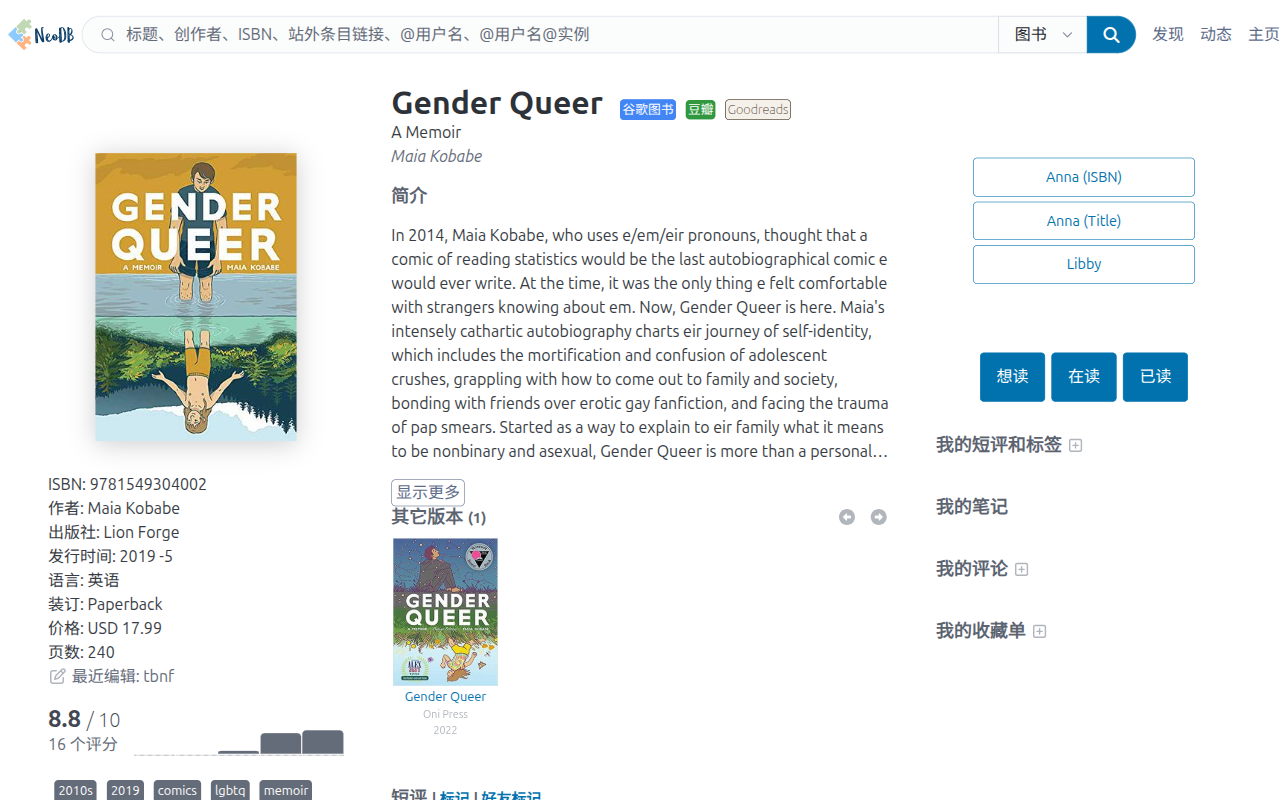
See a book on Goodreads, Douban, or NeoDB — get it on Anna's Archive or Libby in one click. No tab-switching, no copy-pasting, no guessing whether the mirror still works.
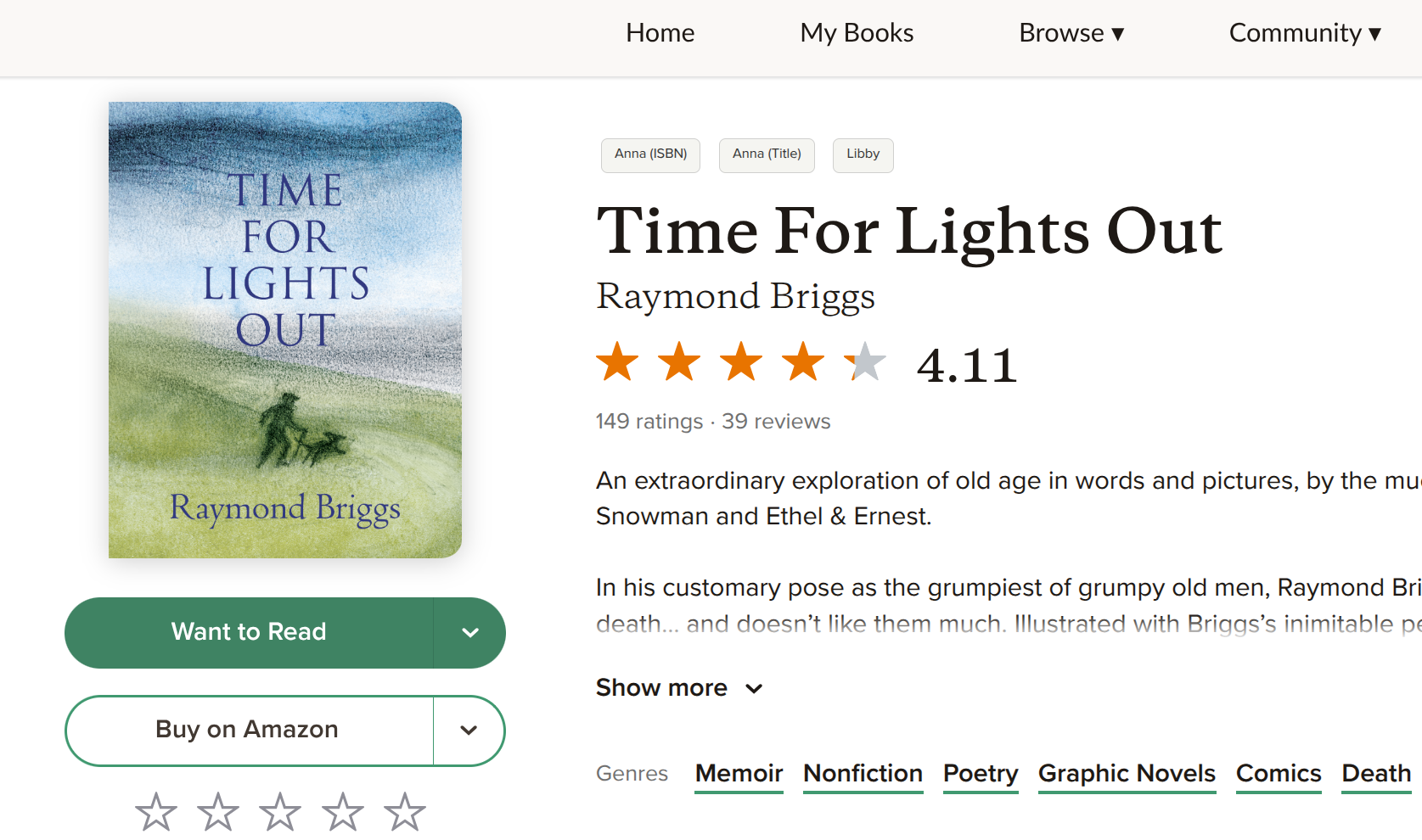
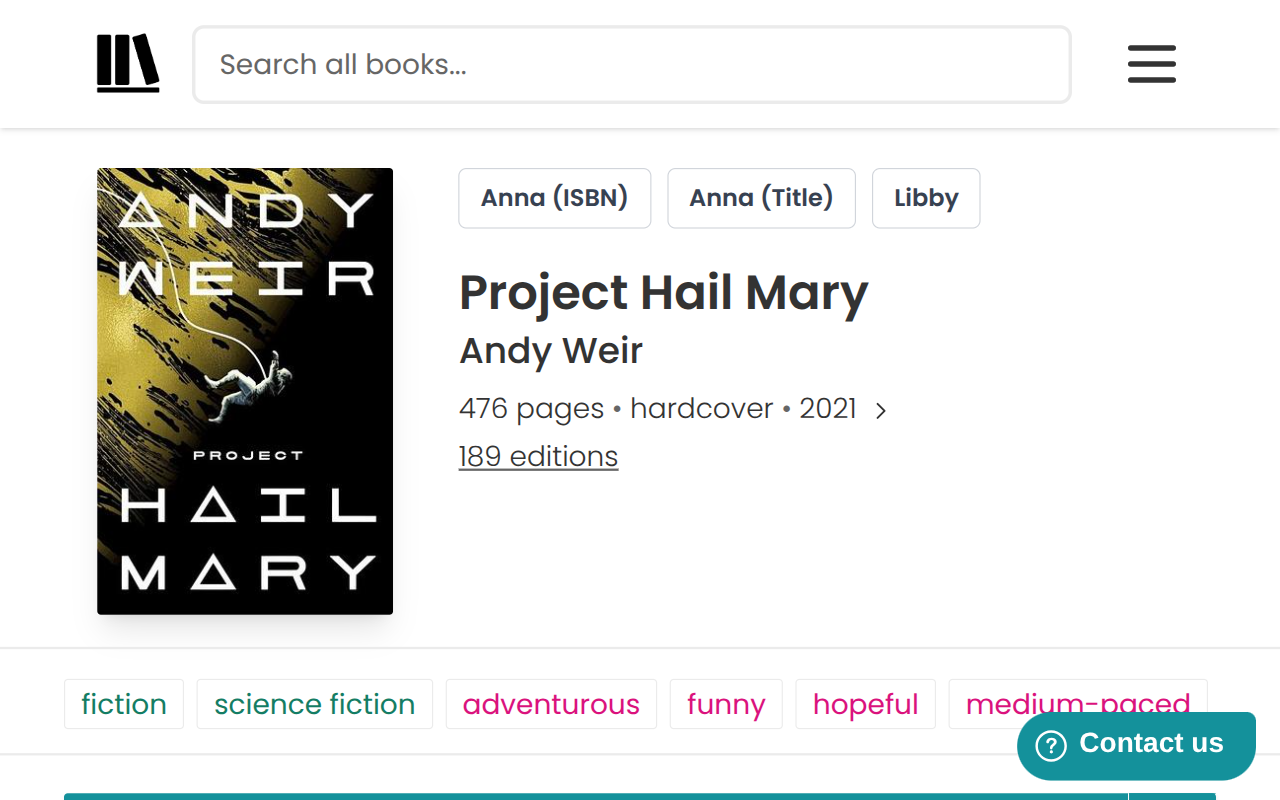
Book More buttons on a Goodreads book page

Anna (ISBN) · Anna (Title) · Libby — on every book page


How it works

01
Browse as usual
Visit any book on Goodreads, Douban, or NeoDB. Three buttons appear automatically on sidebar or near the title.
02
Pick your path
Search Anna's Archive by ISBN for exact editions, by title for a wider net, or copy the title and jump to Libby.
03
Get reading
You're at the right page. No dead mirrors, no extra steps.

Features

Auto-updating mirrors
Anna's Archive changes domains. A Cloudflare Worker on a cron schedule scrapes the wiki, validates each mirror, and updates only when a better URL is found. The extension stays current — silently.
ISBN + title, both available
Anna's Archive data is messy — ISBNs are often missing or wrong. Two separate search buttons let you choose: precise edition lookup via ISBN, or a broader title search when you just need any copy.
Libby in one step
Libby doesn't support direct ISBN linking. Clicking the Libby button copies the title to your clipboard and opens Libby, which redirects to your logged-in library's search page. Just paste.
Custom URL support
Prefer a specific mirror? Set your own URL in settings — it takes priority over the remote default. Or trigger a manual sync anytime. Remote syncs happen every 3 days automatically.
Stays out of your way
No notifications, no popups, no banners. The options page opens once on first install, then never again unless you go looking for it.
Native-feeling UI
Buttons are styled to match each site's own CSS — Goodreads, Douban, and NeoDB each get their own adapted layout so the extension feels like it belongs.

Install

🌐
Chrome
Chrome Web Store
🦊
Firefox
Mozilla Add-ons
🐵
Userscript
Greasy Fork